Stunning HD Detail with Image Enhancer
Try our AI Image Enhancer to easily boost your Image resolution. Eliminate blurriness and adjust details like color, brightness, contrast, and saturation, making your photos more vivid, clear, and eye-catching!
No Generation History
Enter a prompt and click "Generate Image" to start creating! Your artwork will be displayed here.
Elevate Image Resolution & Clarity with AI Image Enhancer
Enhance image quality effortlessly with our advanced AI Image Enhancer. Transform your blurry or noisy photos into crisp, high-definition visuals, ensuring every detail shines through for marketing, design, and other professional projects. Achieve exceptional sharpness and vivid colors—no more compromising with grainy or out-of-focus visuals.
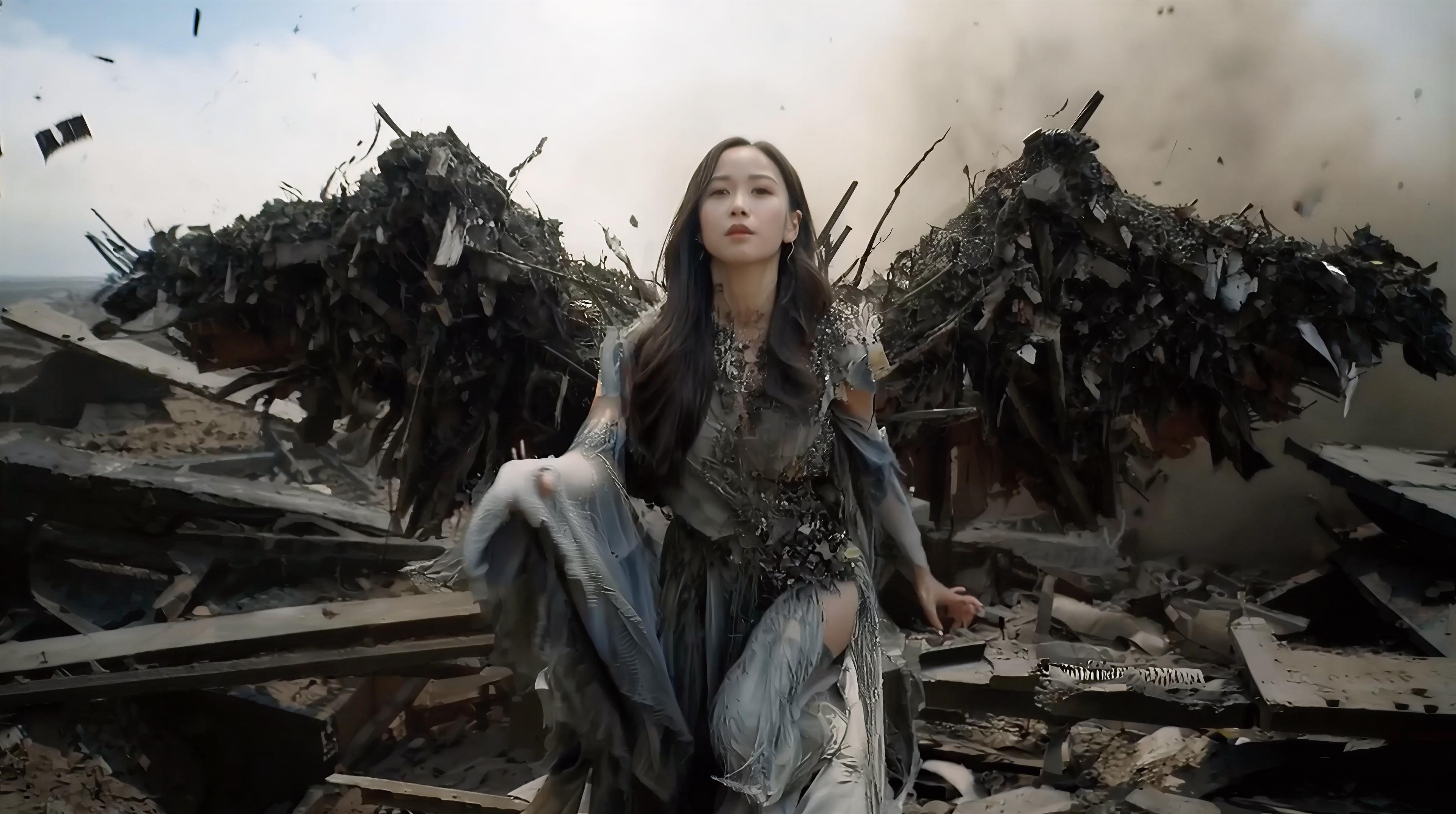
Eliminate Blurriness & Deep-Layer Grain Restoration
Our AI Image Enhancer goes beyond superficial filtering by using deep-learning models to reintroduce razor-sharp clarity into blurry or heavily grainy photos. Whether your images suffer from digital noise due to low-light conditions or a soft look caused by missed focus, our tool intelligently reconstructs lost textures and micro-details. Experience high-fidelity results that look professionally shot, all without the need for manual retouching or complex software.
Enhance Color Vibrancy & Bring Your image to Life
Polish your photos using our AI Image Enhancer tool to instantly strengthen color intensity and dynamic range. Fine-tune your images by increasing brightness, depth, and saturation in one click to give them a much-needed quality boost. Whether it's a dull landscape or a faded portrait, our AI ensures your colors pop with rich, lifelike accuracy that stands out on any display.
Revitalize & Restore Old Photos with AI Heritage Technology
Bring cherished, old memories back to life with our specialized AI Image Enhancer. Vintage photos often suffer from time-related wear, appearing faded, blurry, or washed out. In mere seconds, our deep-learning model analyzes the original essence of the image to restore clarity and hidden details. By neutralizing the yellowing effect and re-defining edges, we give any vintage illustration or photograph a modern visual appeal, ensuring your most precious memories feel as vivid as the day they were captured.
Intelligent Night & Low-Light Photo Recovery
Don't let shadows hide your best moments. AI Image Enhancer excels at recovering details from underexposed or nighttime shots. By rebalancing the dynamic range and lifting the shadows, it reveals hidden colors and textures while suppressing the heavy noise typical of low-light photography. Turn your dark, muddy snapshots into vibrant, high-contrast visuals instantly.
How to Use the AI Image Enhancer to Transform Your Images
Upload Your Photos for Enhancement
Drag and drop any blurry or low-res photo into our AI Image Enhancer. We support JPG, PNG, and WebP for a fast, hassle-free start.
Intelligent Analysis & One-Click Refinement
Our AI automatically analyzes your photo to optimize clarity, color, and detail for the best visual result.
Preview & Download Your HD Masterpiece
Preview the transformation and click download. Get crystal-clear, professional-grade images ready for social media or high-quality printing.
X Community Artworks
FAQs About AI Image Enhancer
How does the ArtAny AI image enhancer work?
Unlike traditional filters that only adjust surface levels, AI Image Enhancer utilizes a deep neural network to "re-imagine" missing pixels. It detects textures, lighting, and edges in your photo, reconstructing them from the ground up to deliver a level of clarity that was previously impossible to achieve with manual editing.
Can it fix extremely blurry or "shaky" image?
Yes. Our AI is specifically trained to counteract motion blur and lens softening. By analyzing the trajectory of the blur, the AI Image Enhancer can realign the visual data, effectively "refocusing" the shot to reveal sharp lines and crisp details that were hidden by camera shake.
Does the enhancer preserve the "natural feel" of my image?
Yes. Maintaining authenticity is our priority. While some tools create a "plastic" or over-processed look, ArtAny AI balances sharpness with realism. It enhances skin textures, fabric weaves, and natural landscapes while preserving the original atmosphere and soul of your photograph.
Is there a limit to the file size or resolution I can upload?
No. ArtAny is built to handle everything from tiny web icons to large-scale photography. Our AI Image Enhancer supports high-resolution uploads to ensure that professionals working on large-format prints get the pixel density they need without system slowdowns.
Can the tool handle digital art and AI-generated images?
You can certainly try it! AI Image Enhancer works by boosting resolution and eliminating blur. While optimized for photos, it can also help sharpen lines and improve the overall clarity of various digital images.
Can I use the AI image enhancer on any device?
Yes. ArtAny AI is optimized for a seamless cross-platform experience across desktop, mobile, and tablet devices.
How does AI Image Enhancer handle "noise" in low-light night image?
AI Image Enhancer employs deep-layer denoising that distinguishes between essential image details and digital "ISO noise." It strips away the grainy textures from shadows while boosting the dynamic range, resulting in a clean, vibrant night shot that looks like it was taken with a professional long-exposure setup.
Can it restore colors to old black-and-white photos?
Yes, absolutely! AI Image Enhancer includes a sophisticated AI Colorization engine. It doesn't just slap on random colors; it intelligently analyzes the objects, textures, and historical context within your black-and-white photos to apply realistic, vibrant tones. From skin tones to landscapes, it breathes vivid new life into your monochrome memories, making the past feel like it happened yesterday.